
AI lead qualification
Your AI Agent can rate every chat it answers: when the conversation shows the customer is serious about buying, the contact is moved automatically to the pipeline stage you choose in Prospects, and — if you like — the chat is handed straight to your CS team with a WhatsApp alert, so hot leads never wait.
This lives on the Greeting & handover to CS tab of the AI Agent edit page, alongside the first greeting and the rules for when the AI hands a chat over to CS. This page covers all three.
Opening the Greeting & handover tab
- Go to Automation → Auto-Reply → AI Agent, then Detail & Edit on your agent.
- Choose the Greeting & handover to CS tab in the Optional group.
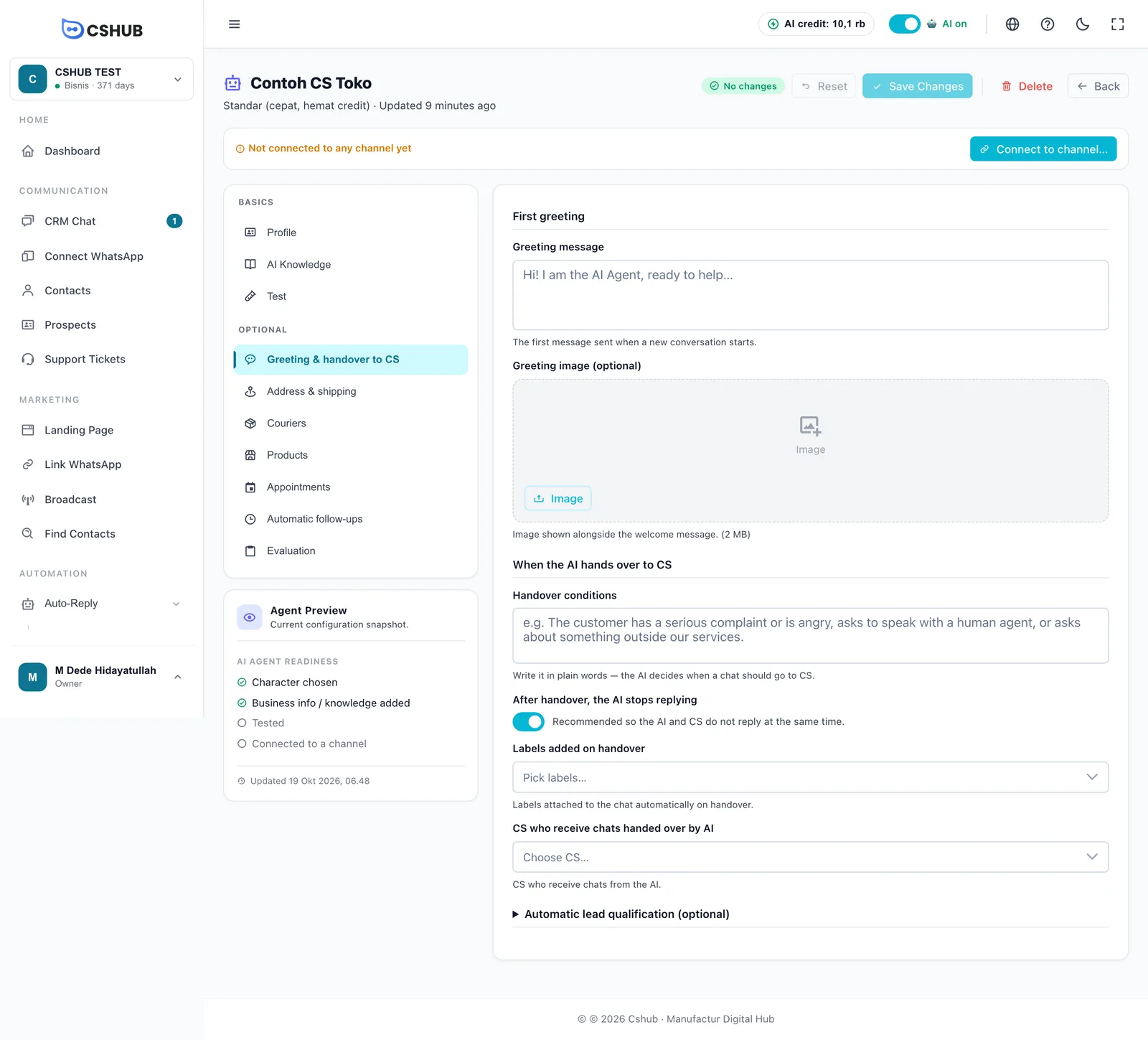
First greeting
| Field | Details |
|---|---|
| Greeting message | The first message the AI sends when a new conversation starts. Leave it empty if you'd rather the AI go straight to answering |
| Greeting image (optional) | An image sent with the greeting, such as a promo banner or a short catalog. JPG, PNG, or WebP, up to 2 MB |
When the AI hands over to CS
This section decides when the AI steps back and passes the chat to a person.
| Field | Details |
|---|---|
| Handover conditions | Describe in plain words when a chat should go to CS, e.g. "The customer has a serious complaint or is angry, asks to speak with a human agent, or asks about something outside our services." The AI judges each message against this |
| After handover, the AI stops replying | Recommended, so the AI and CS don't reply at the same time. CS can give the chat back to the AI from CRM Chat |
| Labels added on handover | Labels attached to the chat automatically on handover — so CS can filter AI handovers in CRM Chat |
| CS who receive chats handed over by AI | The team members who receive chats from the AI. You can pick more than one |
The reply limit can trigger a handover too
If Message Limit on the Profile tab is set (say, 5), the AI stops after that many replies and CS carries on. See Profile tab.
Automatic lead qualification
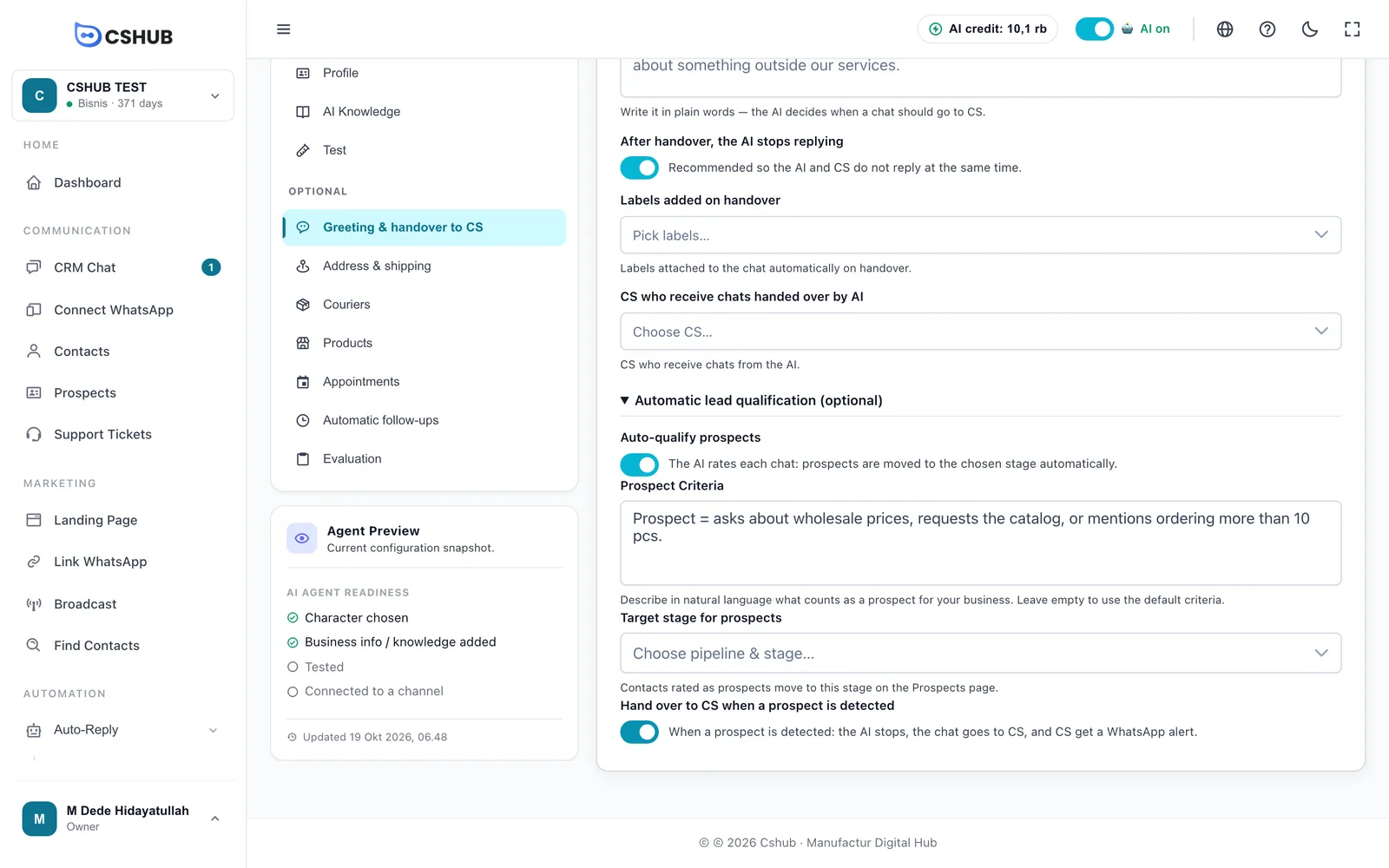
Click Automatic lead qualification (optional) to expand it.
| Field | Details |
|---|---|
| Auto-qualify prospects | When on, the AI rates each chat. Prospects are moved to the chosen stage automatically |
| Prospect Criteria | Describe in everyday language what counts as a prospect for your business. Leave empty to use the default criteria |
| Target stage for prospects | The pipeline and stage on the Prospects page |
| Hand over to CS when a prospect is detected | When a prospect is detected: the AI stops, the chat goes to CS, and CS get a WhatsApp alert |
Turning it on
- Switch on Auto-qualify prospects.
- Fill in Prospect Criteria. Good criteria name concrete signals:
- "Treat as a prospect if the customer mentions rental date + location + vehicle type, or has agreed on a price. Not a prospect if just casually asking."
- "A prospect asks for wholesale prices, requests the catalog, or mentions an order of more than 10 pieces."
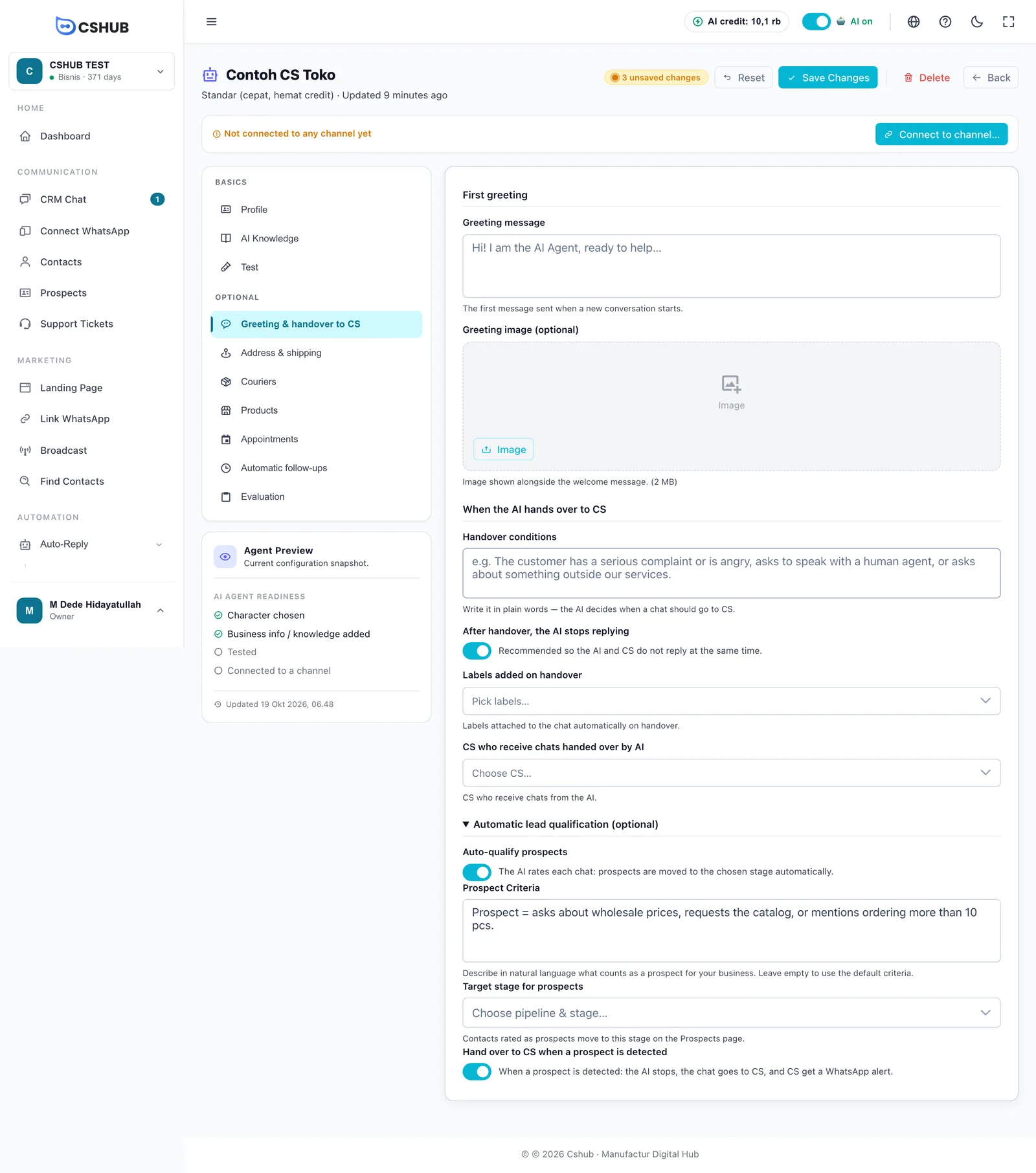
- Choose the Target stage for prospects. The list shows every pipeline and its stages as Pipeline name — Stage name.
- (Optional) Switch on Hand over to CS when a prospect is detected, and make sure CS who receive chats handed over by AI is filled in.
- Click Save Changes at the top of the page.
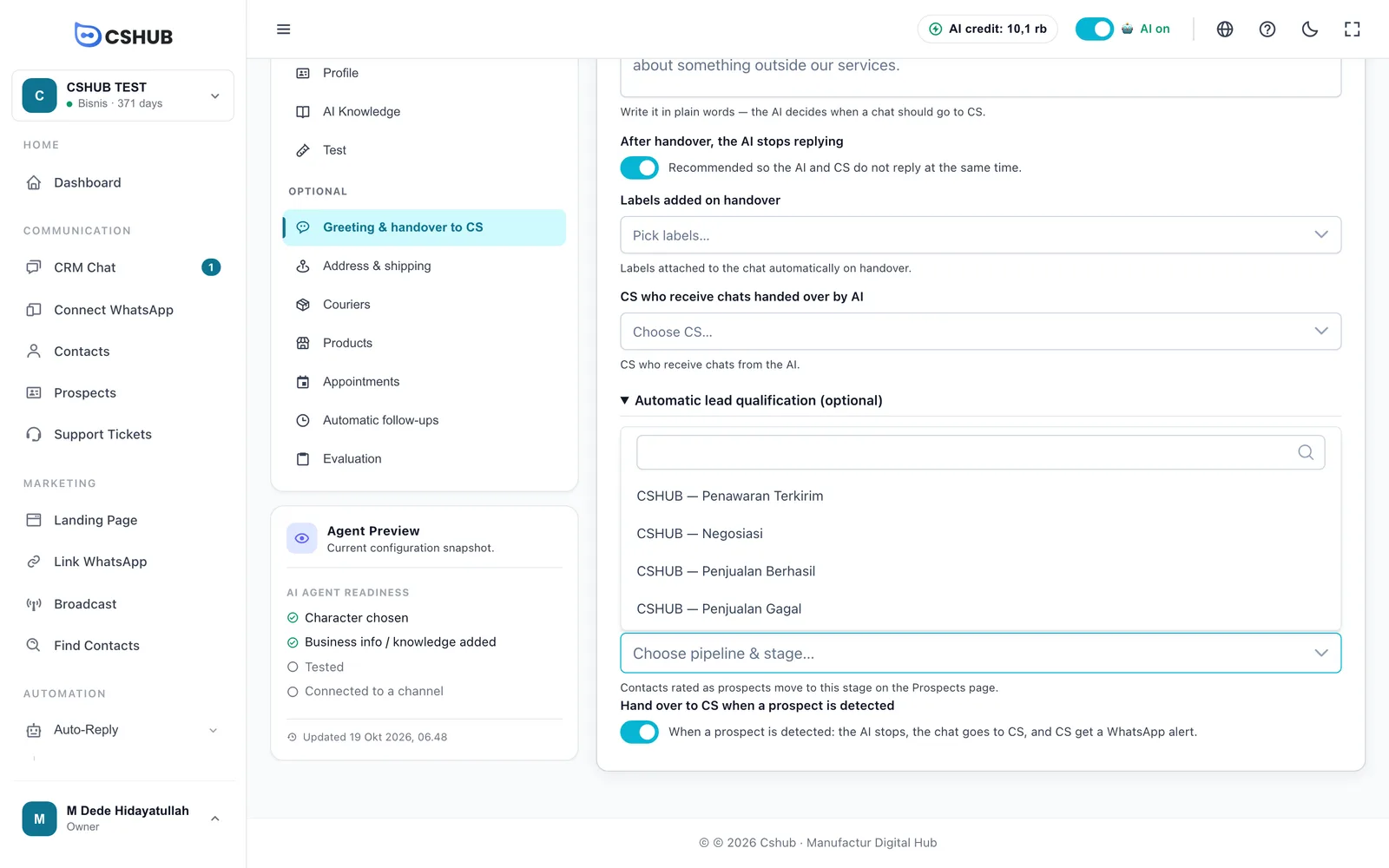
The full tab once filled in:
What happens when a prospect is detected
| Step | Details |
|---|---|
| Stage change | The contact moves to the target stage on the Prospects board |
| Handed to CS | If Hand over to CS when a prospect is detected is on: the chat goes to CS and the AI stops replying in that chat |
| WhatsApp alert | CS receive a WhatsApp message about the prospect chat. Alerts are sent for chats on WhatsApp (scan QR); on other channels the contact is still moved and handed over, and CS see it in CRM Chat |
Key rules:
- Once per chat. The actions aren't repeated on every message — if the contact is already in the target stage or the chat has been taken over, the AI leaves it alone.
- Forward only. The AI never moves a contact back to an earlier stage.
- Only when the AI replies. Rating runs for chats answered by this AI Agent, on every channel it's connected to. Chats answered only by keyword replies aren't rated.
Prospects vs escalation
Lead qualification reacts to what is said (the customer looks serious). Escalation to your team reacts to time (a chat has waited too long for a human reply). Both can run together.
Tips
- Start with narrow criteria, then loosen them if you get too few prospects. Criteria that are too loose flood CS with chats that aren't ready to buy.
- Create a dedicated stage such as Prospects from AI so they're easy to track.
- Try it on the Test tab with conversations that do and don't meet your criteria.
- Use handover labels so CS can filter AI handovers right away.